
Local Apex runtime
Apex feedback without the deploy wait.
Check source, run supported tests, and debug Apex against your Salesforce DX project—locally, without an org login. Salesforce remains the final validation gate.
v0.2.14 · macOS and Linux · Apache-2.0
No Salesforce org login is required for supported local checks.
$ glade check --project . --no-progressRenewalQuoteService.cls:42
One local loop
Move from project to proof in three steps.
- Choose the project and task.Enter a Salesforce DX project and pick a check, test, debug, data, or CI job.
- Run the supported path locally.Use the same runtime from the CLI, VS Code, local Playground, or automation.
- Inspect concrete proof.Read the diagnostic, result, artifact, and exact Salesforce boundary.
Use the same proof from your tools
Run local Apex tests from VS Code.
Glade Home, Test Explorer, CodeLens, diagnostics, and debug actions use the same local project contract as the CLI.
Use Glade in VS Code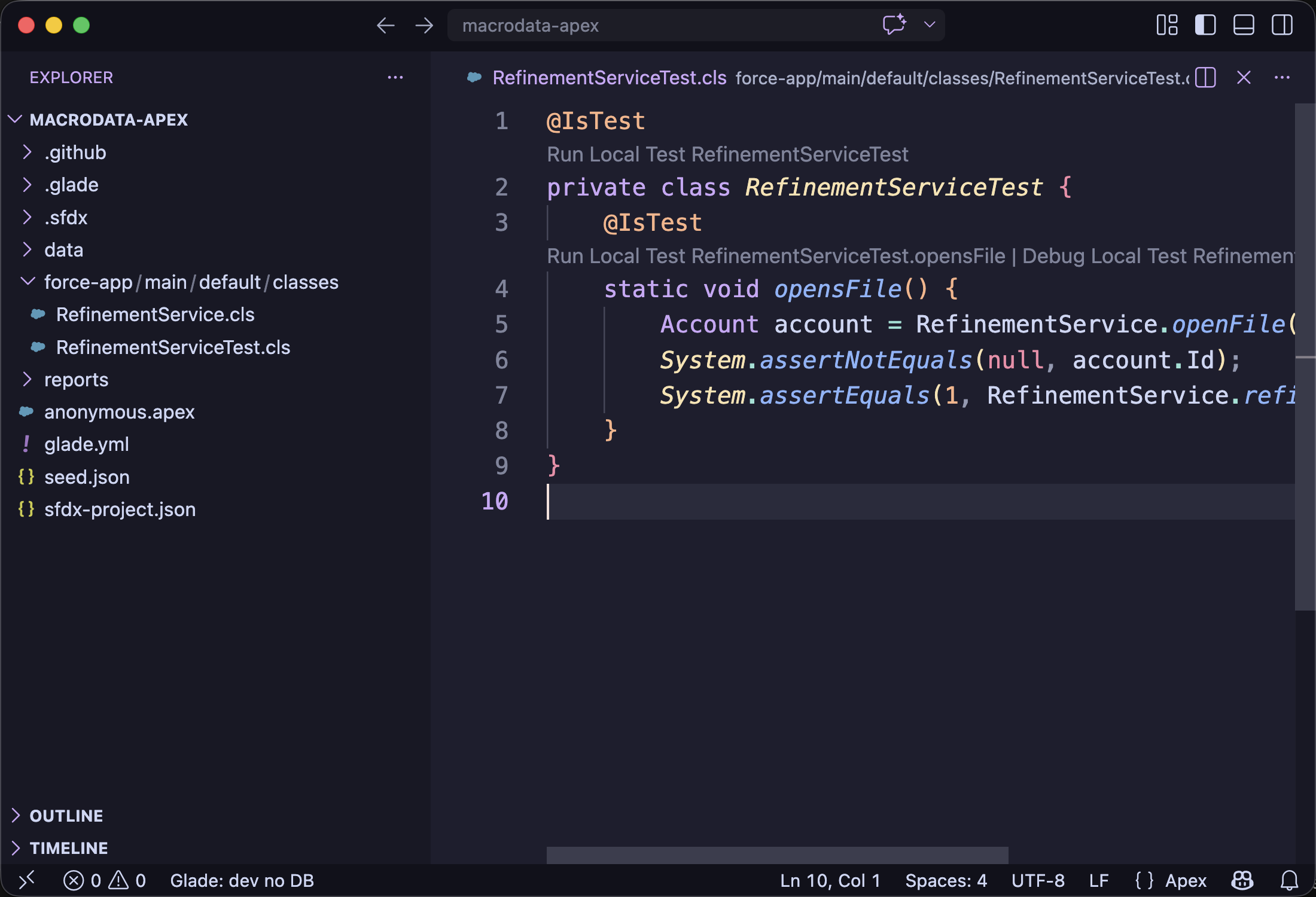
Start with the job you have
Choose the next local workflow.
What runs locally
Know the boundary before you rely on a result.
Supported paths run locally. Use Salesforce for hosted services, deployment, and final production validation.
Database.insertRuns locallySchema.DescribeSObjectResultRuns locally with limitsResetPasswordResult.getPasswordRequires Salesforcecurl -fsSL https://glade.sh/install.sh | sh
glade versionInstall and verify the binary, then continue inside your Salesforce DX project.
Release notes · Installer source · Checksums, SBOM, and attestations · Security · Give feedback