
Run the first local check
Task guide
Initialize a Salesforce DX project, prove the local environment, and run the first local check from a terminal.
- Initialize a Salesforce DX project.
- Run `glade doctor --project .`.
- Read the first `glade check` result.
Before you start
- You have a terminal open at the Salesforce DX project root.
glade versionworks in that terminal. If it does not, install Glade first.
Steps
1. Initialize the project
bash
test -f glade.yml || glade init --project . --yes
glade config validate --project .
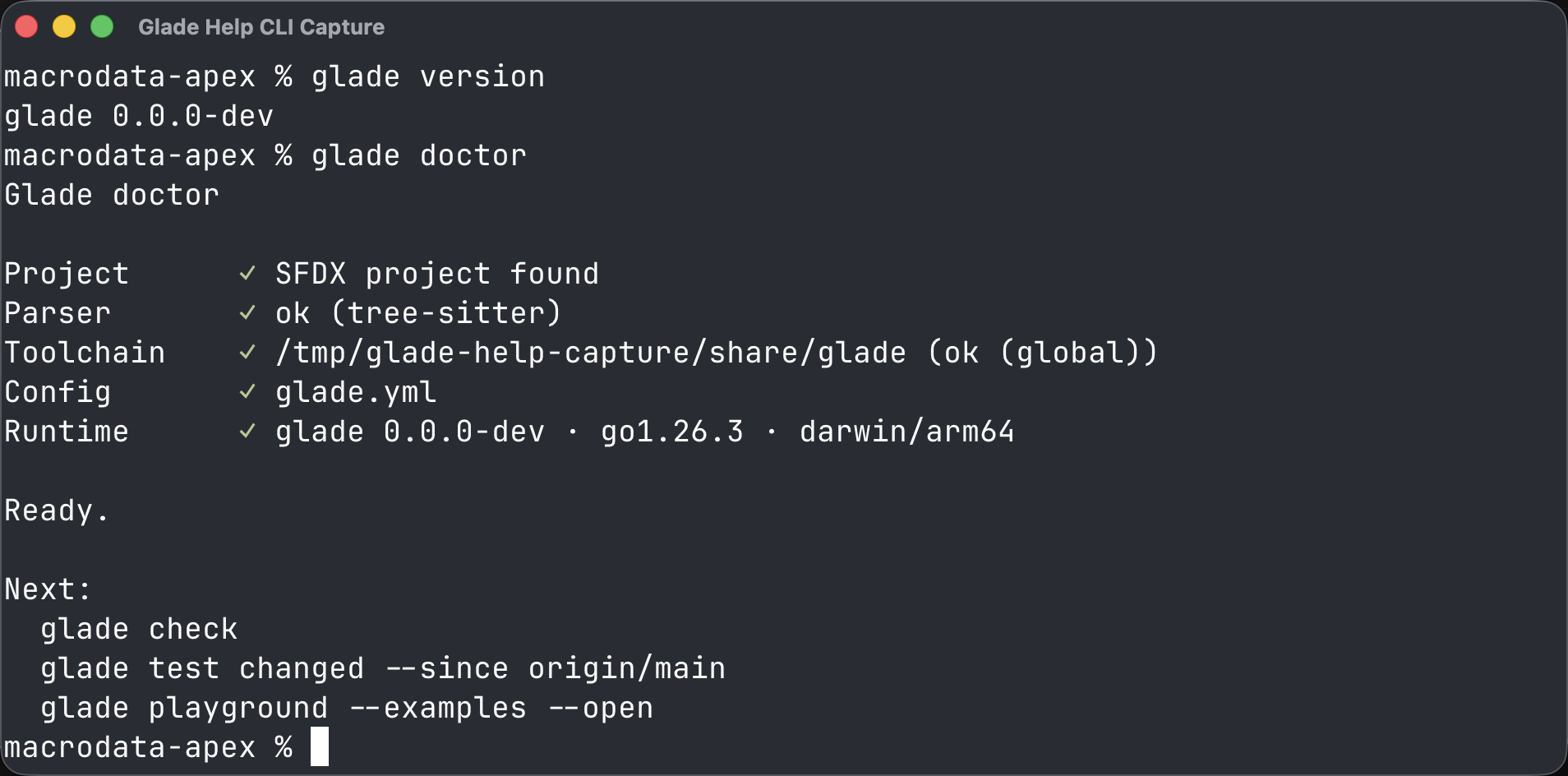
glade doctor --project .
Expected: glade.yml exists and glade doctor --project . ends with Ready.
2. Check the project
bash
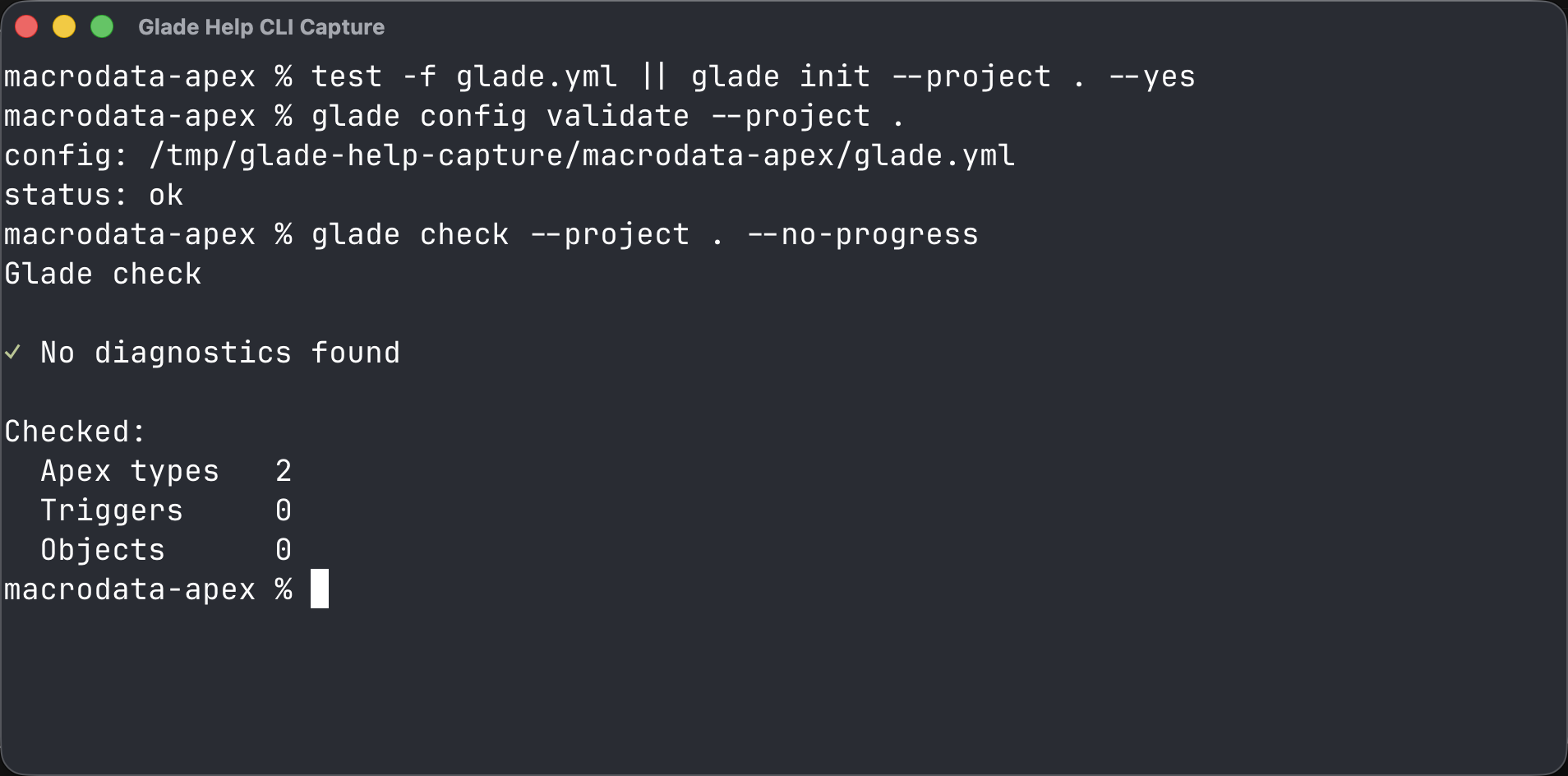
glade check --project .Expected: glade check exits 0 for clean source or exits 1 with file and line diagnostics.
Common wrong turn
glade: command not found means the install directory is not on PATH. Add ~/.local/bin to PATH, restart the terminal, and run glade version again.