
Run One Apex Test Locally
Task guide
Run one local Apex test from the terminal, CodeLens, and VS Code Test Explorer debug flow.
- Run one class from the CLI.
- Run the same test from the editor.
- Inspect local state when a selected test stops.
Before you start
glade doctor --project .passes.- The project has at least one Apex test class.
- For the editor steps, VS Code has the bundled Glade extension installed. Keep your existing theme and profile.
Steps
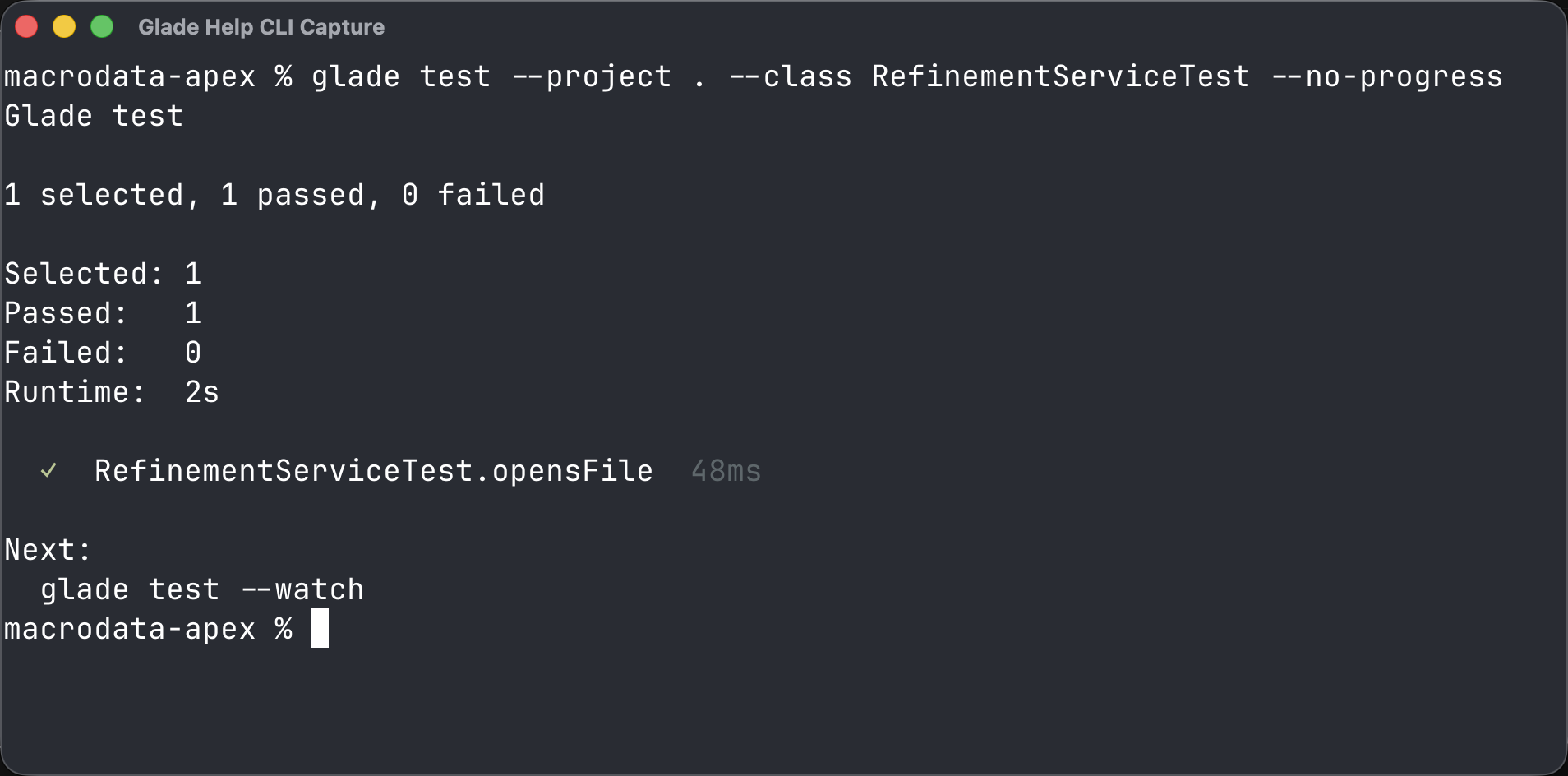
1. Run the test class in a terminal
bash
glade test --project . --class <TestClass> --no-progressExpected: Glade prints one selected class and a pass or failure result.
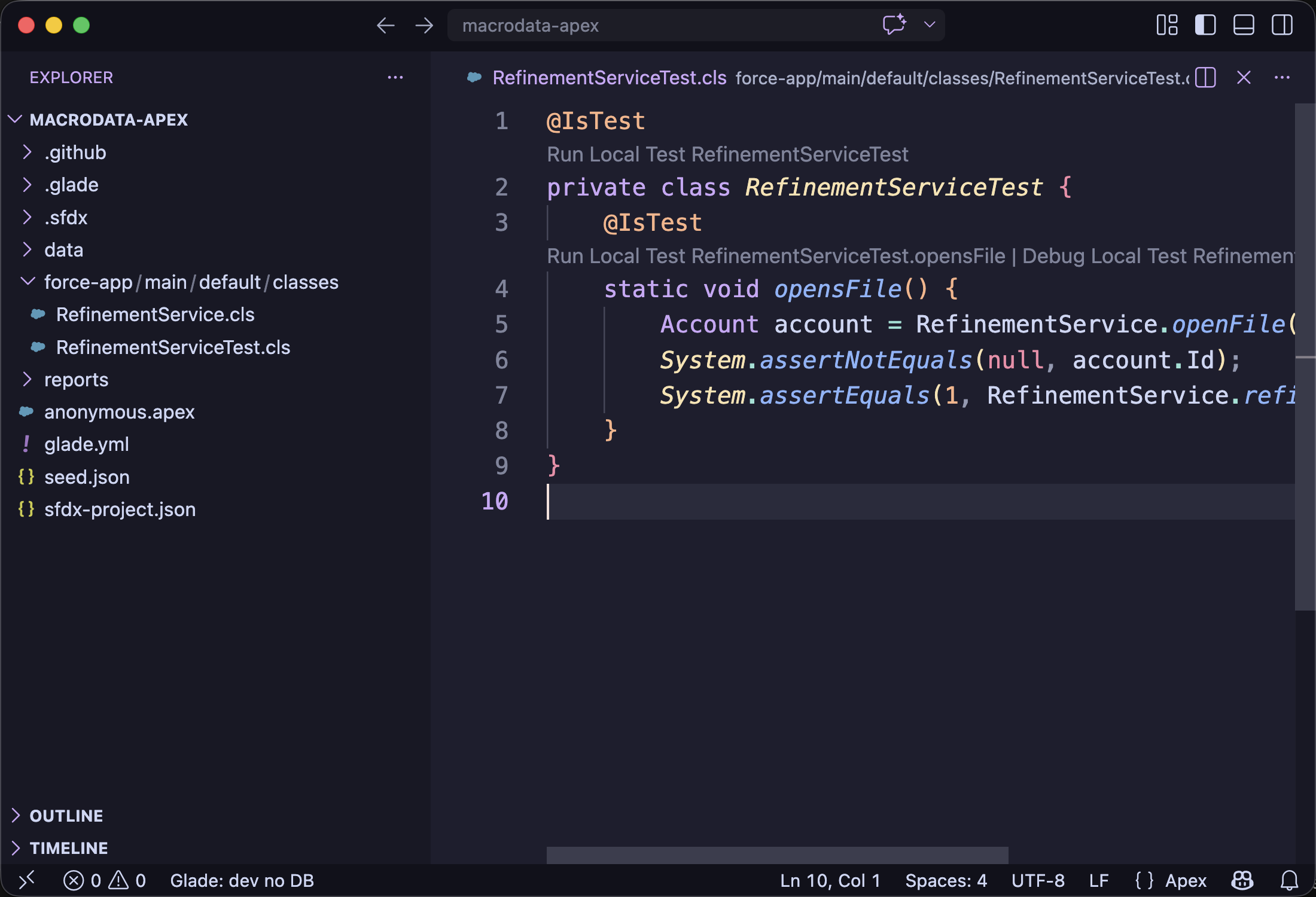
2. Run the test from CodeLens
Open a test class file. Click Run Local Test above the method or class.
3. Debug from Test Explorer
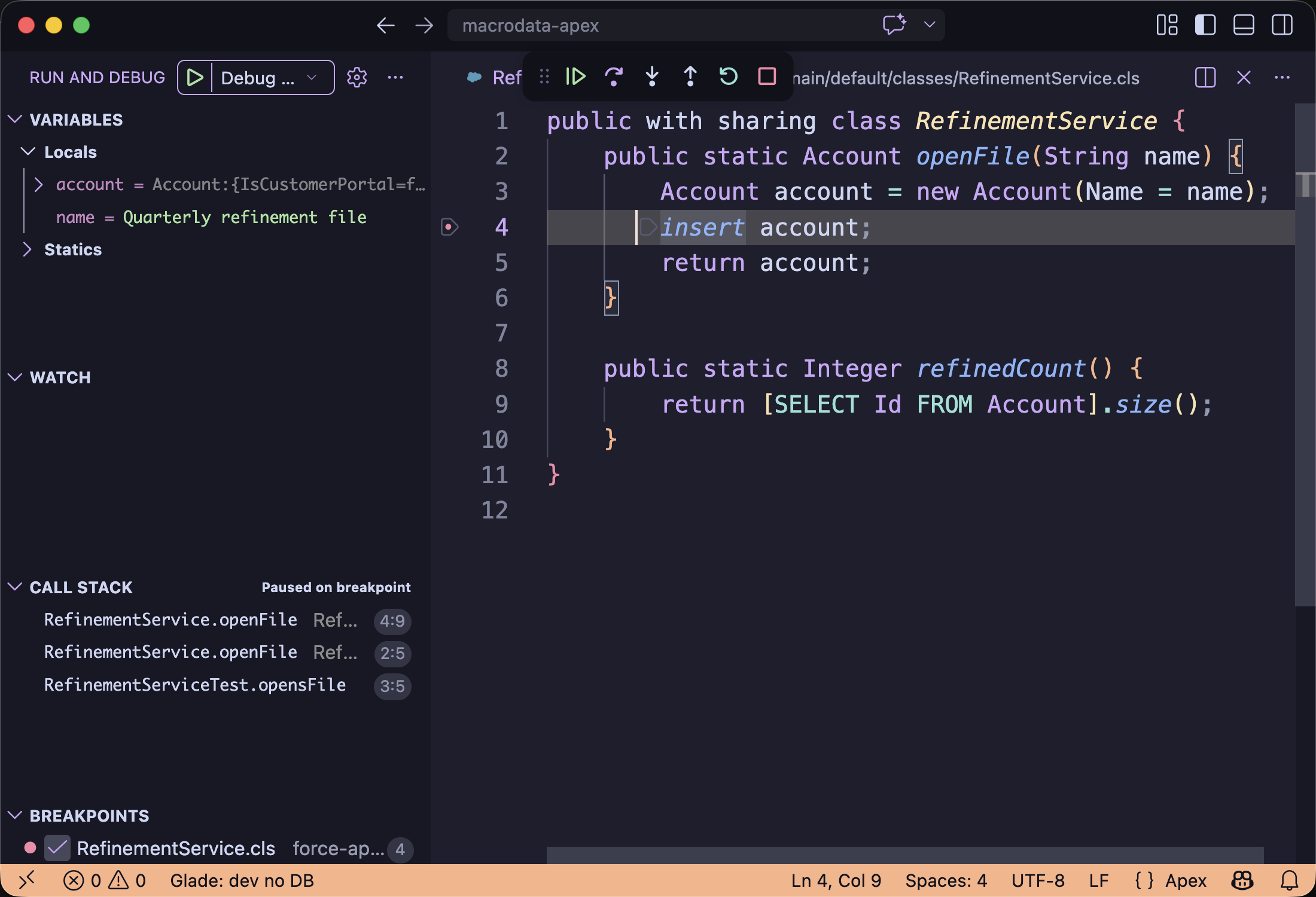
Open the Apex code path you want to inspect. Set a breakpoint on the line you want to inspect before starting the debug action. Then open VS Code Testing, expand the test class, select the method, and start the debug action. VS Code switches to Run and Debug when the local test stops.
Expected: Variables shows local values at the stopped breakpoint.
Common wrong turn
If the test tree is empty, confirm the folder contains sfdx-project.json and run Glade: Refresh.